CMMS for Manufacturing: What Plants Actually Need from Maintenance Software
Manufacturing plants need CMMS software that controls work orders, PMs, breakdowns, assets, spares, mobile updates, and audit records without adding unnecessary complexity.
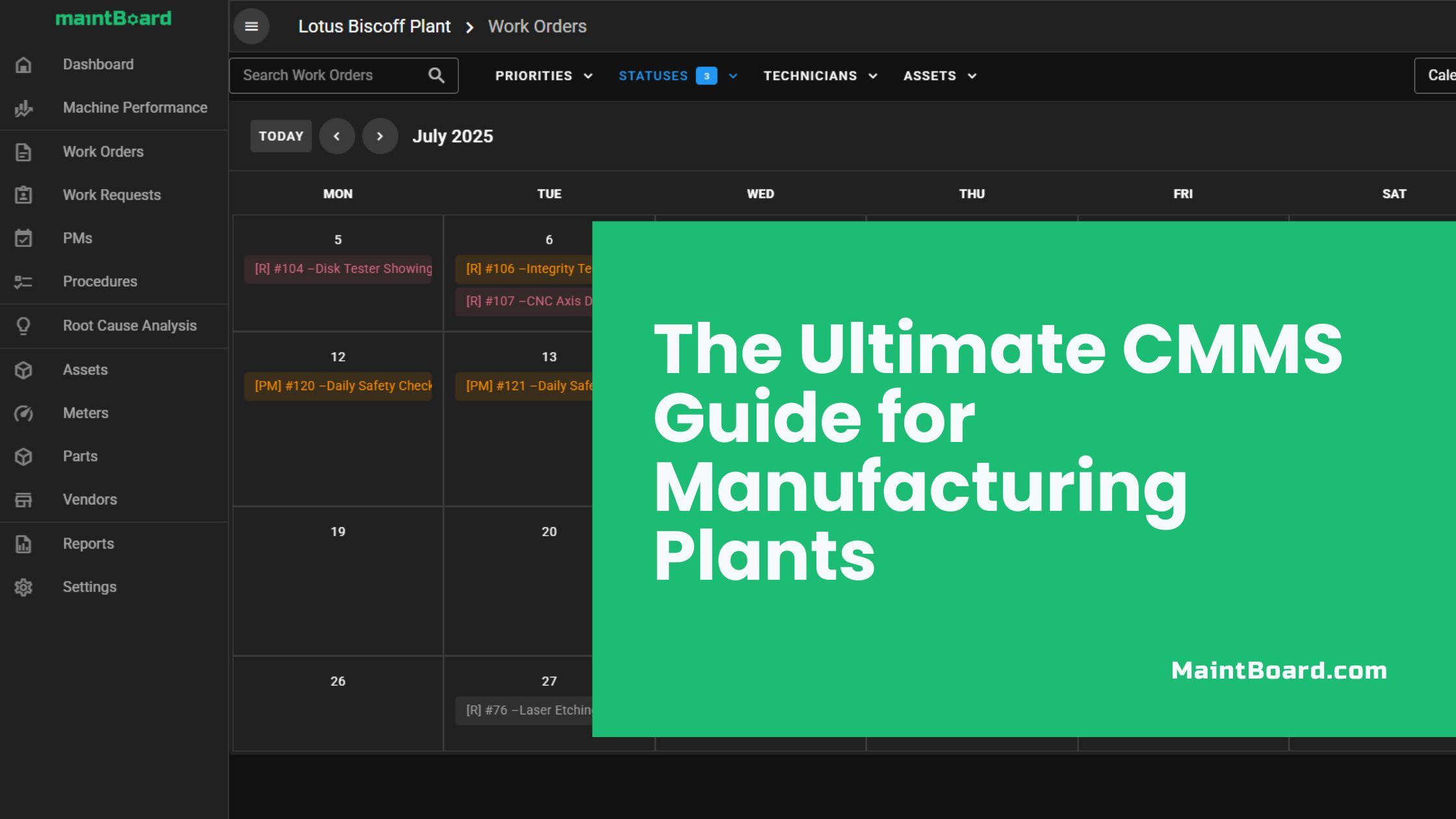
Manufacturing maintenance is not only about fixing machines.
A plant maintenance team must handle breakdowns, PMs, inspections, spare parts, asset history, calibration, shift pressure, production requests, safety work, audits, and management reporting. If all of this is managed in Excel, paper, WhatsApp, or memory, the team may stay busy but still lack control.
A CMMS for manufacturing should bring that work into one clear execution system.
What manufacturing plants expect from a CMMS
A manufacturing plant needs software that helps the maintenance team answer practical questions:
- What work is open today?
- Which breakdowns are urgent?
- Which PMs are overdue?
- Which assets fail repeatedly?
- Which jobs are waiting for parts?
- Which technician or team owns the work?
- What was done last time?
- What evidence is available for audits?
- Which maintenance problems are affecting production?
A CMMS software should not be only a digital register. It should help maintenance teams plan, execute, close, and learn from work.
Work requests must become controlled work
In many plants, production reports issues through calls, messages, notebooks, or verbal communication. That creates confusion.
A small abnormal sound, leak, vibration, temperature issue, blocked sensor, or repeated stoppage may be noticed early. But if the issue is not captured clearly, it may disappear until it becomes a breakdown.
A good CMMS should help convert requests into controlled work orders with:
- Asset or location
- Problem description
- Category
- Priority
- Requestor details
- Approval decision where needed
- Assigned team
- Due date
- Status visibility
This helps maintenance and production stop arguing over memory and start working from the same record.
Work orders are the backbone of maintenance execution
The work order is where maintenance control happens.
A practical work order management software process should show what needs to be done, who owns it, what priority it has, what parts are needed, what checklist applies, and what evidence was captured at closure.
Manufacturing plants need work orders for:
- Breakdowns
- Corrective maintenance
- Preventive maintenance
- Inspections
- Calibration
- Safety work
- Shutdown work
- Follow-up actions
- Facility maintenance
Without work order discipline, maintenance becomes a collection of informal activities. With work order discipline, the plant gets visibility.
Preventive maintenance must be visible and measurable
Most manufacturing plants already know preventive maintenance is important. The problem is not awareness. The problem is execution.
PMs fail when:
- Schedules are not updated
- Work is not assigned
- Production does not release the machine
- Technicians close tasks without evidence
- Missed PMs are not reviewed
- Follow-up findings are not converted into work
A preventive maintenance software workflow should help generate PM work orders, attach checklists, capture remarks, and track completion.
For manufacturing teams, PM compliance is not a vanity metric. It shows whether the plant is controlling avoidable failure risk.
Breakdown history must lead to action
Breakdowns will happen. The issue is whether the plant learns from them.
A manufacturing CMMS should help maintenance leaders see:
- Which assets break down most often
- Which breakdowns cause the most downtime
- Which problems are repeated
- Which repairs were temporary
- Which parts are consumed frequently
- Which follow-up actions are still open
This is where breakdown maintenance software becomes useful. It helps the team move from emergency repair to corrective action.
The goal is not just to close breakdown work orders. The goal is to reduce repeated breakdowns.
Asset history should be easy to access
In manufacturing, an asset is not just a nameplate.
Useful asset history includes:
- Work orders
- PMs
- Breakdowns
- Parts used
- Downtime
- Technician remarks
- Photos
- Manuals
- Checklists
- Calibration records
- Inspection findings
A good asset management software setup helps technicians and supervisors see what happened before. This reduces repeated diagnosis and improves decisions about repair, replacement, and maintenance frequency.
Spare parts should be linked to work
Maintenance planning fails when spare parts are invisible.
A technician may identify the issue quickly but still wait hours or days for a bearing, belt, seal, sensor, fuse, lubricant, or electrical component.
A spare parts inventory management software workflow gives plants better control over:
- Stock availability
- Low stock
- Parts consumed by work order
- Parts consumed by asset
- Critical spare readiness
- Waiting-for-parts work
For manufacturing plants, spare visibility is not only a stores issue. It directly affects downtime and maintenance execution.
Mobile updates improve adoption
Technicians are more likely to update the system when the system fits their work.
A mobile maintenance software workflow helps technicians complete work from the shop floor by capturing:
- Status updates
- Remarks
- Photos
- Readings
- Checklist steps
- Parts used
- Time spent
This reduces end-of-shift paperwork and improves the quality of maintenance records.
Audit-ready records matter in manufacturing
Many manufacturing plants must satisfy internal audits, ISO audits, customer audits, safety audits, GMP checks, HACCP checks, or quality system reviews.
A CMMS should help produce evidence for:
- PM completion
- Calibration
- Inspections
- Corrective actions
- Asset maintenance history
- Technician accountability
- Document control
Audit readiness should be built into daily work, not prepared manually at the last minute.
Reports should guide maintenance meetings
A manufacturing CMMS should support daily and weekly maintenance reviews.
Useful reports include:
- Open work orders
- Overdue PMs
- Repeat breakdowns
- Downtime by asset
- Work by priority
- Work by category
- Technician workload
- Spare usage
- Completed work
- Pending follow-ups
A practical analytics and reporting software setup helps the team focus on the biggest reliability and execution gaps.
Bottom line
Manufacturing plants need a CMMS that supports daily maintenance execution, not only record keeping.
The right system connects work requests, work orders, PMs, breakdowns, assets, spares, mobile updates, inspections, calibration, and reports.
MaintBoard is built around this practical manufacturing reality: give maintenance teams clear control over work, history, accountability, and visibility without adding unnecessary complexity.
Frequently asked questions
- What is a CMMS in manufacturing?
A CMMS (Computerized Maintenance Management System) is software that helps factories track work orders, schedule preventive maintenance, manage spare parts, and improve asset uptime.
- How does CMMS reduce downtime?
By automating preventive maintenance, sending alerts before failures, and tracking machine health, CMMS helps your team fix issues before they stop production.
- What’s the difference between CMMS and ERP?
CMMS focuses on asset reliability and day-to-day maintenance.ERP manages broader business functions like finance, inventory, and HR. Most factories use both and integrate them.
- Is a cloud-based CMMS better?
Yes, for most plants. Cloud CMMS offers mobile access, automatic updates, and a lower IT burden. It’s ideal for multi-site operations and fast rollout.
- How do I measure the ROI of CMMS?
Key ROI indicators include:– Reduced unplanned downtime– Lower maintenance costs– Extended asset lifespan– Increased PM compliance– Higher technician productivity
- Can CMMS support predictive maintenance?
Absolutely. MaintBoard CMMS platforms can integrate with IoT sensors and condition monitoring tools to trigger work orders based on real-time machine data.
- How long does CMMS implementation take?
For most small to mid-sized factories, implementation takes 2–6 weeks for MaintBoard. Larger enterprises may take longer depending on asset volume and integration needs.
- What are the biggest CMMS rollout mistakes?
– Poor data migration– Lack of technician training– Not using mobile access– No integration with ERP or inventory– Tracking only work orders (and ignoring analytics)
- How do I choose the best CMMS for my plant?
Focus on:– Ease of use– Mobile accessibility– Integration options– Support for PMs and spare parts– Pricing that fits your team size