Why Plants Replace Legacy CMMS: Warning Signs, Risks, and Migration Steps
Legacy CMMS tools slow execution when technicians avoid them, reports are unreliable, and mobile work is weak. Learn when to replace one and how to migrate safely.
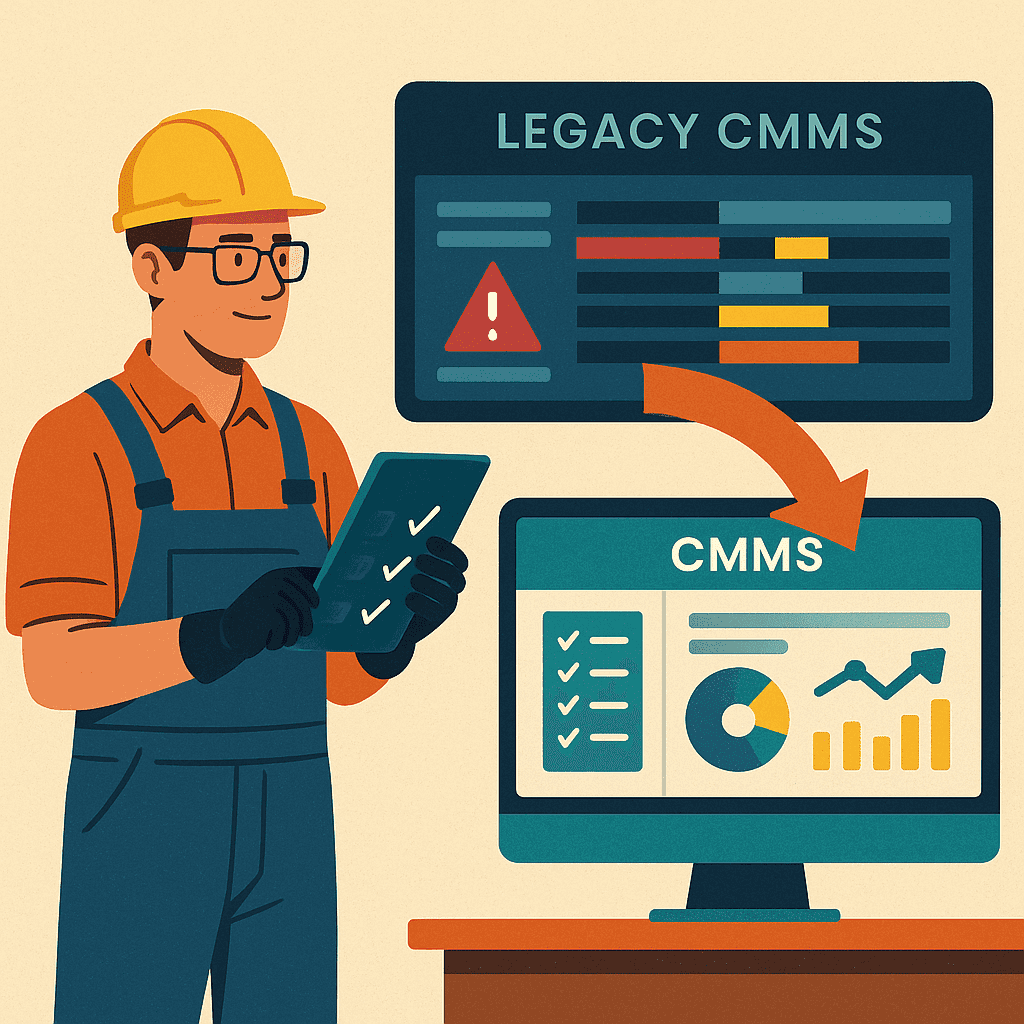
A legacy CMMS usually does not fail suddenly. It becomes slow, avoided, and disconnected from daily maintenance work.
At first, teams still say, “We already have a system.” But when supervisors continue using Excel, technicians update work on paper, and managers cannot trust the reports, the system is no longer controlling maintenance execution.
This article explains when a legacy CMMS becomes a problem, why plants replace it, and how to move to a modern CMMS software without creating chaos.
What is a legacy CMMS?
A legacy CMMS is an older maintenance system that may still store assets, PMs, and work orders, but no longer supports the way maintenance teams need to work.
It may have been useful when the plant only needed basic records. Over time, the plant grows, expectations increase, audits become stricter, and maintenance teams need faster visibility.
The system becomes legacy when it creates more friction than clarity.
Warning signs that your CMMS is holding the team back
A plant should review its CMMS seriously when these problems appear:
- Technicians avoid using the system
- Supervisors keep a separate Excel tracker
- PM compliance is difficult to verify
- Work orders are closed late or in bulk
- Asset history is incomplete
- Spare part usage is not captured properly
- Reports are manually prepared outside the system
- Mobile access is poor or not used
- Users need too much training for simple tasks
- The system cannot support current audit requirements
The biggest warning sign is simple: people do the real work outside the CMMS and update the system later only for records.
Why legacy CMMS tools fail in daily execution
Maintenance work is fast-moving. A breakdown happens, a technician is assigned, a part is needed, a photo is taken, a follow-up is created, and production wants status updates.
If the CMMS is slow or difficult, the team naturally moves back to phone calls, whiteboards, WhatsApp, Excel, and paper.
That is why usability matters. A modern work order management software should help the supervisor see what is open, what is overdue, who owns it, and what is blocking closure.
Problem 1: weak mobile workflow
Technicians should be able to update work close to the equipment, not at the end of the shift from memory.
A legacy system often fails because:
- Mobile access is unavailable
- Screens are not technician-friendly
- Photos are hard to attach
- Checklist completion is slow
- Offline or low-connectivity situations are difficult
- Closing a work order takes too many fields
Modern mobile maintenance software helps technicians update status, remarks, photos, readings, and checklist results while the work is still fresh.
Problem 2: poor preventive maintenance visibility
One of the main reasons plants use CMMS is to avoid missed PMs. But many legacy systems make PM tracking complicated.
Maintenance teams may not clearly know:
- Which PMs are due this week
- Which PMs are overdue
- Which PMs were skipped
- Which assets repeatedly miss PMs
- Which technician or team owns the work
A stronger preventive maintenance software workflow makes PMs visible before they become breakdowns or audit findings.
Problem 3: unreliable reports
Reports are only useful when the underlying data is trusted.
If work orders are not updated properly, asset history is incomplete, and spare usage is not recorded, the reports will look polished but remain misleading.
This is why many teams still prepare management reports manually. They export data, clean it, correct it, and rebuild the story in Excel.
A modern analytics and reporting software approach should reduce that manual work by keeping execution data clean at the source.
Problem 4: poor asset and spare part connection
Maintenance history should connect assets, failures, work orders, parts, labor, and follow-up actions. Legacy systems often store these pieces separately or make them difficult to use.
When that happens, teams cannot easily answer:
- Which asset is failing repeatedly?
- Which spare parts are consumed most often?
- Which equipment has high repair cost?
- Which parts create delays because they are unavailable?
This is where asset management software and spare parts inventory management software need to work together.
When replacement is better than customization
Some plants keep customizing legacy systems because replacement feels risky. But customization can become expensive if the basic product experience is weak.
Replacement should be considered when:
- Users do not adopt the system
- Reporting is still manual
- Mobile workflow is poor
- The system cannot support required controls
- Vendor support is slow or expensive
- Every small improvement needs customization
- New users find the system difficult to learn
A system that requires constant workarounds is not really saving time.
How to migrate safely
Replacing a CMMS should not mean importing every historical problem into the new system.
A practical migration plan is:
- Clean the asset list first.
- Identify active PM schedules.
- Import only useful asset history where needed.
- Review spare parts and remove duplicates.
- Keep legacy records archived for reference.
- Start with one plant, department, or asset group.
- Train supervisors and technicians on daily workflows.
- Review adoption weekly during the first month.
The goal is not a perfect migration. The goal is a clean, usable starting point.
What MaintBoard focuses on
MaintBoard is designed for plants that need clear maintenance execution without unnecessary complexity. It helps teams manage:
- Work requests and work orders
- Preventive maintenance schedules
- Mobile technician updates
- Asset history
- Spare part consumption
- Maintenance checklists
- Calibration and inspection work
- Reports for overdue, open, completed, and repeated work
The focus is practical visibility: what needs to be done, who owns it, what is delayed, and what evidence is available.
Final takeaway
A legacy CMMS becomes a problem when maintenance teams stop trusting it for daily execution.
Before replacing it, check whether the issue is configuration, training, or the system itself. But if users keep returning to Excel, paper, and calls, the system is already failing its purpose.
The right CMMS should make maintenance work easier to execute, easier to track, and easier to prove.
Frequently asked questions
- Why are plants moving away from legacy CMMS systems?
Legacy CMMS systems often slow down daily maintenance because they are difficult to use, hard to configure, weak on mobile, and poor at giving real-time visibility into work and assets.
- What signs show that a CMMS is outdated?
Common signs include low technician adoption, duplicate Excel tracking, delayed updates, poor reporting, slow work order closure, weak mobile access, and difficulty tracking PM compliance.
- Is replacing a CMMS only an IT decision?
No. CMMS replacement should involve maintenance, operations, stores, quality, and leadership because the system affects daily work, compliance records, spare parts, and reliability decisions.
- How can plants reduce risk during CMMS replacement?
Use a phased rollout. Start with work orders, PMs, assets, and spare parts for one site or team, validate the process, then expand once users are comfortable.
- What should plants look for in a new CMMS?
Look for usability, mobile execution, preventive maintenance, asset history, spare parts tracking, reporting, role-based access, implementation support, and the ability to scale with the plant.