Replace Legacy CMMS: What Plants Should Fix Before Switching
Replacing a legacy CMMS is not only a software change. Plants should fix data quality, work order discipline, PM ownership, spare visibility, mobile usage, and reporting gaps.
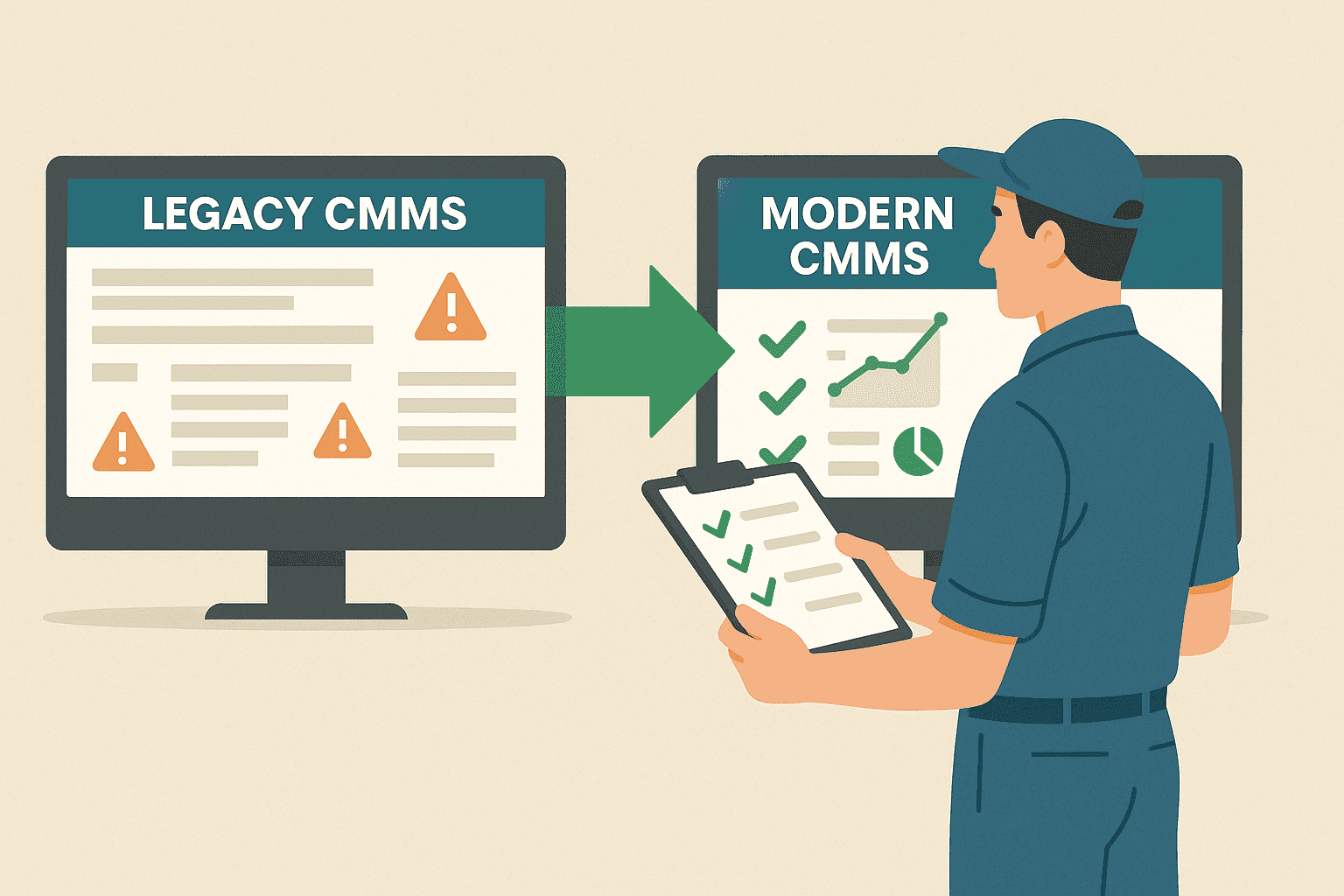
Replacing a legacy CMMS can be the right decision, but switching software alone will not fix a weak maintenance process.
Many plants move away from old systems because technicians do not use them, PMs are difficult to manage, reports are unreliable, mobile access is poor, and asset history is incomplete. These are real problems. But if the same poor data and habits are copied into the new system, the new CMMS will also struggle.
The goal is not just to replace the tool. The goal is to improve maintenance execution.
Signs your legacy CMMS is holding you back
A legacy CMMS may be creating friction if:
- Technicians avoid updating work orders
- Supervisors still track jobs in Excel
- PM schedules are hard to understand
- Asset history is incomplete
- Reports require manual cleanup
- Spare usage is not linked to work orders
- Mobile access is limited or unusable
- Audit evidence is scattered
- Users depend on one expert to operate the system
- Adding or changing workflows takes too long
These signs show that the system may no longer match the way the plant works.
Do not migrate bad data blindly
Legacy systems often contain years of unused, duplicated, or outdated data.
Before moving to a new CMMS software, review:
- Asset list
- Asset codes
- Locations
- Departments
- Critical assets
- PM schedules
- Spare part master data
- Vendor records
- Open work orders
- Failure and issue codes
- User roles
Migrating everything may feel safe, but it can make the new system messy from day one.
A clean migration should separate useful history from dead records.
Fix the work order process first
A modern CMMS should make daily work easier.
Before switching, define the desired work order management flow:
- How are requests raised?
- Who approves them?
- Who assigns work?
- What statuses are used?
- What must technicians update?
- When is a job considered completed?
- When is it closed?
- What evidence is required?
Without these answers, the new CMMS becomes another digital filing cabinet.
Review PMs before importing them
Preventive maintenance schedules in old systems are often outdated.
Some PMs may be too frequent. Some may be too vague. Some may not have clear ownership. Some may exist only because they were created years ago and never reviewed.
Before moving PMs into preventive maintenance software, check:
- Is the PM still required?
- Is the frequency realistic?
- Is the checklist clear?
- Is the asset still active?
- Is the assigned team correct?
- Are parts or readings required?
- Should the PM create follow-up work if defects are found?
This prevents the new system from generating low-value work.
Mobile adoption matters
One reason legacy systems fail is that updates happen away from the work.
Technicians complete jobs on the floor but update the CMMS later, or not at all.
A modern mobile maintenance software workflow should support:
- Assigned work lists
- Status updates
- Photos
- Remarks
- Checklists
- Readings
- Spare usage
- Completion evidence
The easier the update, the better the maintenance history.
Reports must answer management questions
A new CMMS should help leaders see:
- Open work
- Overdue PMs
- Repeat breakdowns
- Asset downtime
- Backlog
- Technician workload
- Spare usage
- Completion delays
- Audit readiness
If the system cannot answer these questions clearly, adoption will suffer.
Bottom line
Replace a legacy CMMS only after defining the maintenance process you want to run.
Clean the data. Simplify workflows. Review PMs. Improve mobile usage. Connect work orders, asset history, spare parts, and reports.
MaintBoard helps plants move from legacy maintenance tracking to a clearer CMMS workflow for work orders, PMs, assets, spares, checklists, mobile updates, breakdowns, and maintenance reporting.
Frequently asked questions
- Why do plants replace a legacy CMMS?
Plants usually replace a legacy CMMS when it becomes slow, difficult for technicians to use, weak on mobile updates, poor at reporting, or disconnected from daily maintenance execution.
- What is the biggest risk when replacing a legacy CMMS?
The biggest risk is migrating too much data and too much complexity at once. A safer approach is to prioritize current assets, open work, PM schedules, users, and critical history first.
- How should maintenance teams plan a CMMS replacement?
Start by mapping current workflows, identifying pain points, cleaning asset data, selecting must-have features, and running a pilot with real users before full rollout.
- Should all historical maintenance data be migrated?
Not always. Migrate useful asset history, open work orders, active PMs, spare parts, and compliance records. Old low-quality data can be archived instead of imported into the new system.
- What makes a modern CMMS easier to adopt?
A modern CMMS should have simple work order screens, mobile technician updates, clear PM scheduling, easy asset search, useful reports, and practical onboarding support.