Repeat stops by machine
Compare recorded downtime and fault history to decide which printer, placement machine, or oven needs investigation.
Downtime
When a pick-and-place machine stops on the same feeder alarm, see what the last shift found and whether a compatible spare is available. MaintBoard connects work orders, preventive maintenance, and parts usage across your printed circuit board (PCB) assembly lines.
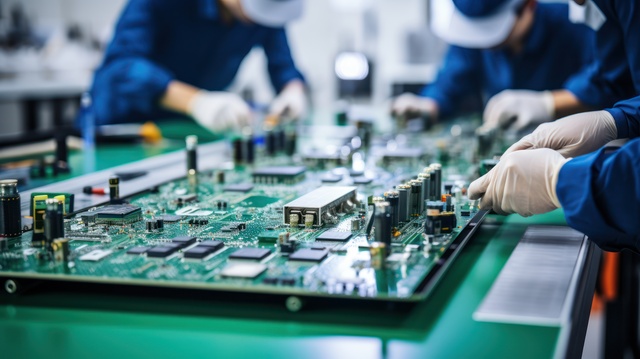
Link each work order to the placement machine or other equipment serviced. Capture the alarm, feeder ID, and action taken so the next shift can see what changed.
Schedule recurring nozzle cleaning and reflow oven conveyor checks. Review overdue work with production before assigning it to a changeover or planned stop.
Check feeders, nozzles, and conveyor spares by storeroom. Record parts used on work orders so stores can compare demand with stock on hand.
Record recurring board transport or clamping faults and keep planned checks with the printer.
Compare feeder alarms by machine, feeder ID, and slot. Keep nozzle checks and corrective work on the equipment record.
Schedule conveyor and fan checks, and review past repairs before the next planned stop.
Keep work orders for inspection equipment and test fixtures accessible by asset.
Repeat stops by machine
Compare recorded downtime and fault history to decide which printer, placement machine, or oven needs investigation.
Downtime
Preventive work still open
Find overdue nozzle, conveyor, and oven jobs that need a window in the production schedule.
Overdue PM
Critical maintenance spares below minimum
Review flagged feeders, nozzles, and conveyor spares against open work and upcoming maintenance.
Low stock
Show us a feeder alarm that keeps returning, an overdue oven check, or a repair waiting for a spare. We’ll walk through how your team would assign, complete, and follow up on the work in MaintBoard.